Comparison
Digital vs paper business cards: an honest comparison
Paper is finished the moment it’s printed. What each kind of card does well, what each costs, and when to carry both, without the made-up statistics.

On this page
Which is better, a digital or a paper business card?
#For anyone who meets people often, a digital business card does more: it stays correct, it saves into the other person’s phone in one tap, and it never runs out. Paper is still the better object to hand over in rooms that expect one, so for many people the practical answer is both.
The home page asks a simple question: which card would you rather hand over? This post is the long answer. It sets a digital business card and a printed one side by side, gives paper its due, prices both honestly, and leaves out the statistics that circulate on this topic without a source behind them.
Paper and digital, side by side
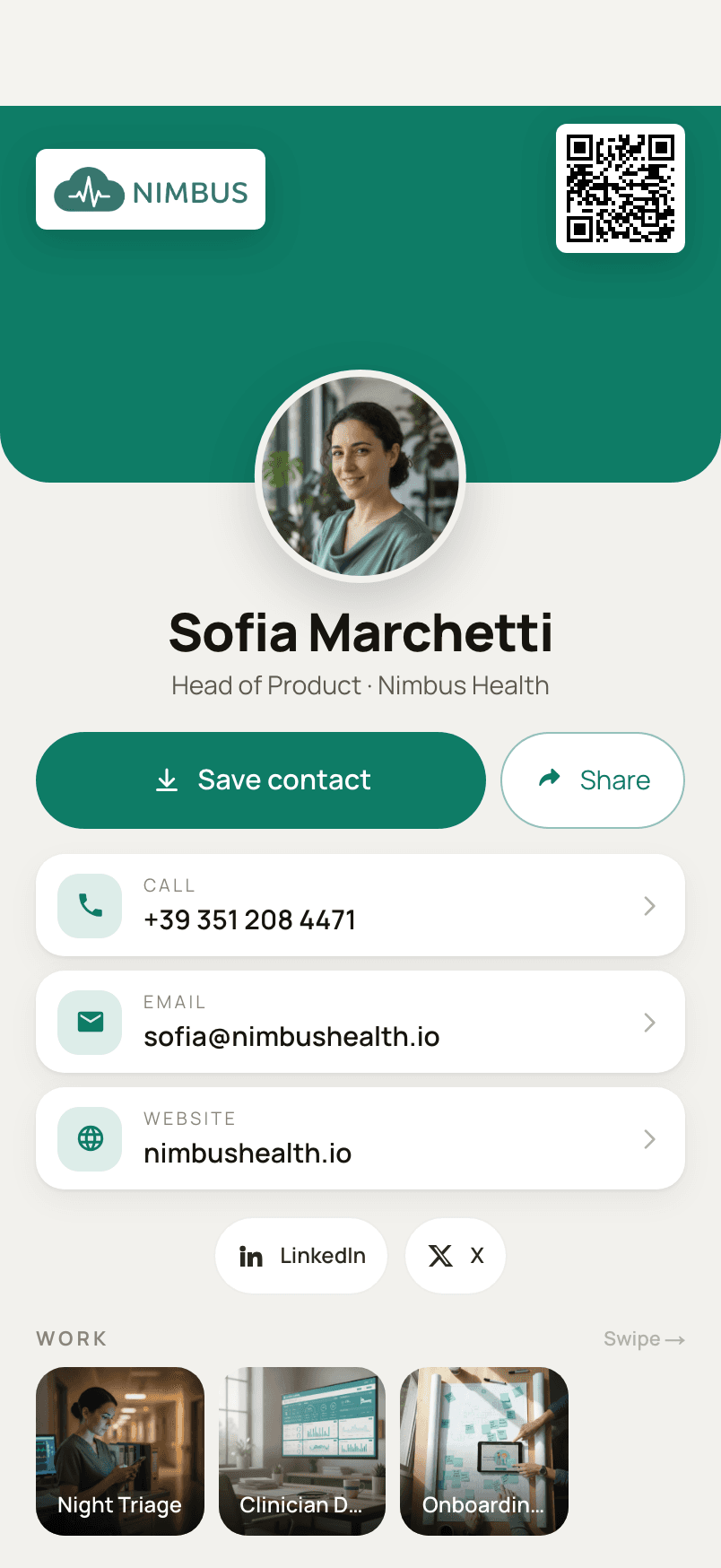
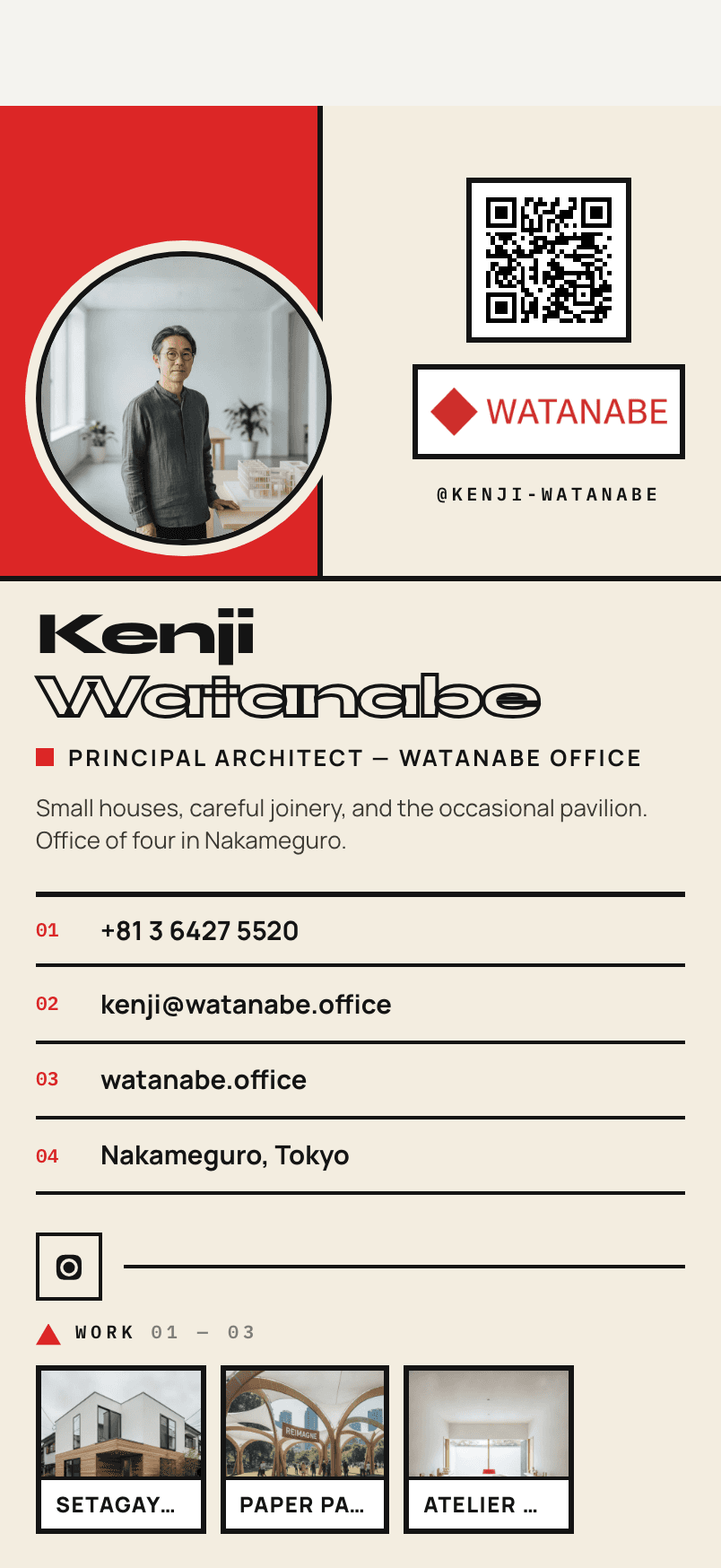
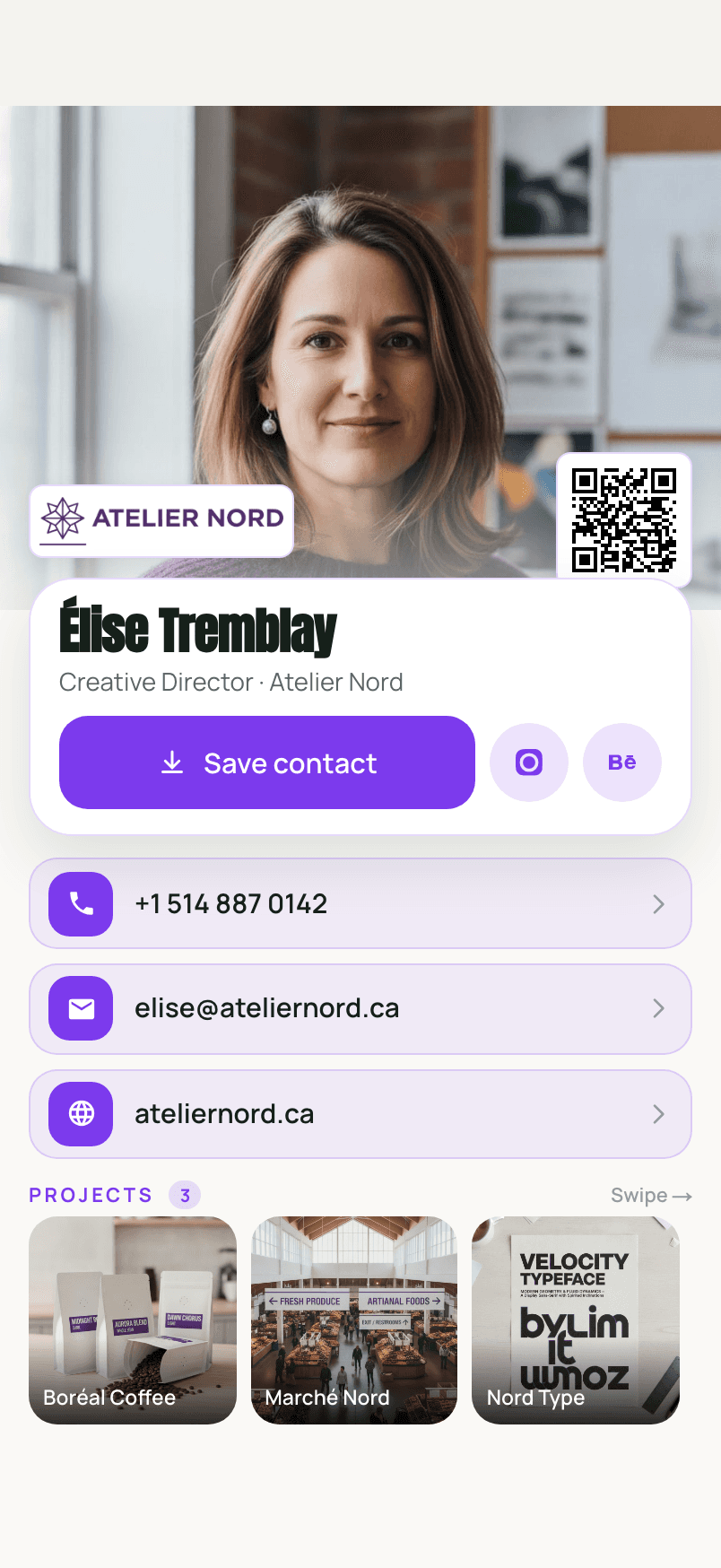
#The same person, twice: David’s printed card and his Ravencard, with the practical differences underneath. Each row is something you can check for yourself.
Okonkwo Studio
David Okonkwo
Director of Photography
+234 802 445 1190
david@okonkwo.studio
okonkwo.studio
Paper
Ravencard
| Aspect | Paper card | Ravencard |
|---|---|---|
| Cost over time | A print run, and another after every change | Free for one card; Pro is $4.99 a month or $39.99 a year |
| A new number or title | Every card already handed out is wrong | Edit the card; the code and link stay the same |
| Getting into their phone | Typed in by hand, if at all | Scanned, then saved with one tap |
| Your photo in the contact | No | Yes |
| Your work | A title is all there is room for | Projects with images, documents and a link |
| Running out | When the box is empty | Never; the code is on your phone |
| Knowing it was opened | No | QR statistics, on Pro |
| Works without a phone | Yes | Needs their camera and a connection |
| The handover as a gesture | A physical object to give | Showing a screen |
If that table already settles it, you can build a Ravencard instead; it takes a few minutes in the browser and needs no account to try.
A paper card
- Printed in a box of a few hundred
- Handed over
- Put in a pocket, a wallet or a drawer
- Typed into a phone by hand — or lost
- Your number or title changes: every card out there is now wrong
- Reprint the box
A digital card
- Built once, at one address
- Its QR code shown on your phone, or printed
- Scanned, and saved to their contacts with your photo
- Your number or title changes: you edit the card
- Same code, same address, current details for anyone who opens it
- Contacts saved before the change keep the old copy
What does a paper business card still do better?
#A paper card works with anyone, needs no phone or signal, and makes a physical gesture that a screen doesn’t. A well-made card is also a small piece of design that people keep.
Giving paper its due matters, because it is genuinely good at a few things. It needs nothing from the person receiving it: no phone, no battery, no signal, no willingness to point a camera at anything. It works in a conference hall with no reception and with a client who doesn’t use a smartphone for work.
And it is an object. In some rooms and some countries, the exchange of cards is a small ritual, and holding out a phone instead can feel abrupt. A beautifully printed card also says something about its owner’s care that a screen doesn’t. None of this is sentimental; it is why the practical answer for many people is to carry both.

What does staying on paper cost you?
#Staying on paper costs you six things: every change means a reprint; people forget your face; your work stays at home; the box runs out when it matters; somebody has to type you in; and you never hear back.
None of these is a flaw in a good printed card. They follow from one fact: paper is finished the moment it is printed. The same six are set out on the home page under what staying on paper costs you.
1. Every change is a reprint
#A new number or a new title, and every card already handed out is wrong, with no way to correct it. A digital card is updated at the same address, so the link you gave out last year says what is true today.
2. They forget your face
#A name and a number go into their phone, and a week later nobody remembers which one you were. A digital card can write your photograph into their contacts along with the number.
3. Your work stays at home
#A title is all a printed card has room for. A digital card can carry the projects that start the conversation.
4. It runs out when it matters
#The box is empty at exactly the event you needed it for. A code on your phone does not run out.
5. Somebody has to type it in
#Until they do, you are a piece of card in a pocket. One tap puts a digital card in their contacts.
6. You never hear back
#Paper tells you nothing once it leaves your hand.
And for the paper you will keep being handed, whatever you decide for yourself: see what Ravencard does with the paper cards you collect.
Are digital business cards worth it?
#Digital business cards are worth it if you meet new people regularly, change roles or numbers, or want your work to travel with your name. If you rarely network they matter less, but a free plan means trying one costs nothing.
The honest limitations of a digital card are worth stating plainly. It needs the other person’s phone and a connection. It depends on the provider keeping your page online. And a contact someone saved is a copy, so a change you make later reaches people when they open your card again, not automatically in their address book.
Against that, the gain is concrete if you meet people often: fewer lost contacts, no reprints, and a first impression that includes your face and your work.
How much does a digital business card cost compared with paper?
#Paper costs a print run, and you pay again every time a detail changes. Digital cards range from free to a monthly subscription; Ravencard is free for one card, and Pro is $4.99 a month or $39.99 a year.
Printers price by quantity, stock and finish, and their prices change; check your own printer’s current page, such as Vistaprint’s guide to business card costs, rather than trusting a figure copied into an article. The number to watch is not the price of one box but how often you reorder because something changed.
On the digital side, Ravencard’s free plan is free forever for one card, and Pro costs $4.99 a month or $39.99 a year. The pricing section lists exactly what each includes.
Are business cards dead?
#Are business cards still relevant in 2026?
#The handover is still very much alive: people still meet, and still need a way to be remembered. What has changed is the thing being handed over.
Every year brings a round of articles declaring business cards over, and every year people keep meeting at events, in offices and over coffee. The need the card answers (a quick, polite way to be remembered by someone you just met) hasn’t gone anywhere.
Do people still use business cards?
#Yes, especially at events, in client meetings and in industries with a formal exchange ritual. We couldn’t find a current study with a published method that measures how many, so we won’t quote one.
Is it true that 88% of business cards are thrown away within a week?
#There’s no reliable evidence for it. The figure comes from a 2016 guest post on Adobe’s blog, written by a card printer, with no survey or method behind it.
The number appears in many articles about paper versus digital cards, usually alongside “72% of people judge a business by its card” and “27 million cards printed a day”. We traced the 88% to a 2016 post on Adobe’s blog, written by a business card printer. It gives no survey, sample or method. We couldn’t find a primary source for the other two figures either.
Carrying both: the hybrid
#For most people who still meet paper-card people, the answer is not either/or. It is a paper card that leads to a digital one.
Which should you carry?
Do you meet new people most weeks?
YesGo to the next question
NoPaper is fine. A free digital card covers the odd follow-up.
Do your number, title or work change?
YesGo digital, and add its QR code to any paper you keep.
NoGo to the next question
Do the rooms you work in expect a printed card?
YesCarry both: paper with a QR code to your digital card.
NoGo digital. Keep a few printed cards for the exception.
Should I put a QR code on my paper business card?
#Yes, if the QR code points to a card you can update (a link) rather than a contact baked into the code. Then the paper stays correct even when your details don’t. Keep a clear margin around it and test it with two different phones before you print.
The distinction is between a code that holds your details and one that points to them. A code that holds a contact is frozen at printing, like the rest of the card. A code that points to your digital card stays right when you change jobs. The technical side, with two real codes compared, is in a QR code that saves your contact, with your photo.
The clear margin matters more than people think. The QR standard asks for a quiet zone four modules wide on every side, and designers crop into it to make the code fit. Print a proof and try it with two different phones before you order the batch.
Okonkwo Studio
David Okonkwo
Director of Photography
- 01The code holds a link to your card, not your details, so the paper stays right when they change.
- 02The dashed ring is the quiet zone: four modules of blank space on every side. Don’t crop into it.
- 03Test the printed proof with two different phones before you order the batch.
Do I need an NFC card to go digital?
#No. NFC is a tap-to-open convenience that needs a chip card and a phone that reads it. A QR code on your screen or on paper opens the same kind of page with any phone camera, and there’s nothing to buy. Ravencard uses QR codes and links.
NFC cards are a real product category and some people like the tap. They are also something to buy, carry and replace, and they only open a link, which is exactly what a QR code does. If you already own one, it can point to the same card. You don’t need one to start.
What if the other person doesn’t scan QR codes?
#Send them the link by message or email, or hand them a paper card that carries the QR code. A hybrid covers everyone.
Some people won’t point a camera at a stranger’s phone, and that is their call. The link to your card is a normal web address, so it travels by text message, email or LinkedIn message just as well, and a printed card with the code on it handles the rest.
Making the switch
#What should I do with the paper business cards people hand me?
#Scan the paper cards you are handed so they become searchable contacts instead of a pile.
Going digital yourself doesn’t stop other people handing you paper. The useful thing to do with those cards is to get them into your phone while you still remember the conversation. How to scan business cards into your iPhone contacts covers the free built-in method and what an app adds, and the home page shows how Ravencard scans them.
How do I switch from paper to digital without losing anything?
#Build your digital card, put its QR code on your remaining paper cards (or on the next print run), and keep the code one tap away on your phone.
Build the card
Start at /build. Not sure what to include? Use the checklist.
Add your photo and one piece of work
The two things paper could never carry.Keep the code one tap away
In the app on your phone, so you can show it without searching.Put the QR code on your paper
On a sticker for the cards you have left, and printed on the next run. Test it with two phones first.Scan the cards you have collected
So the paper you were handed becomes contacts you can search.
Questions, answered briefly
#- What should I do with my old paper business cards?
- Use up the ones that are still correct, ideally with your QR code added on a sticker, and recycle the ones that aren’t. Handing out a card with a wrong number costs more than the card.