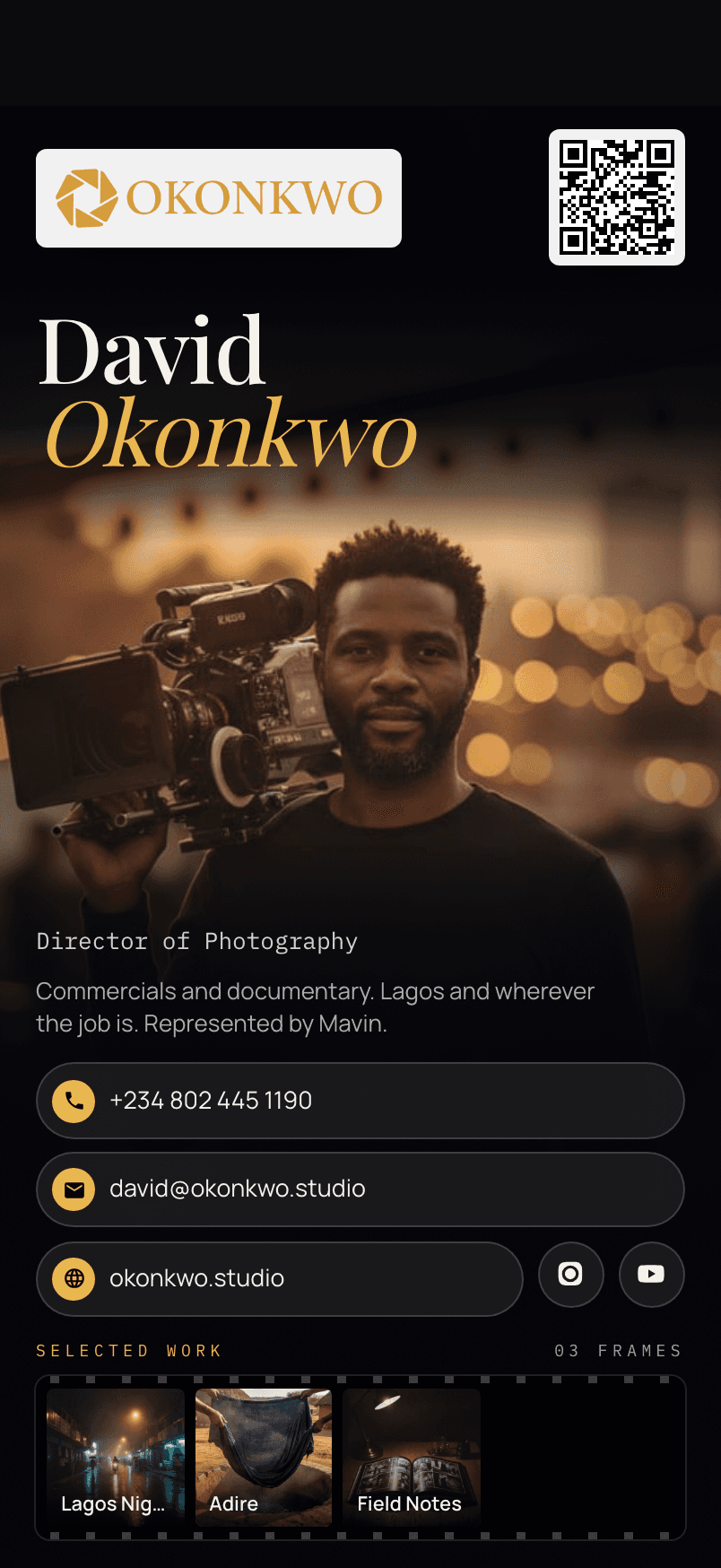
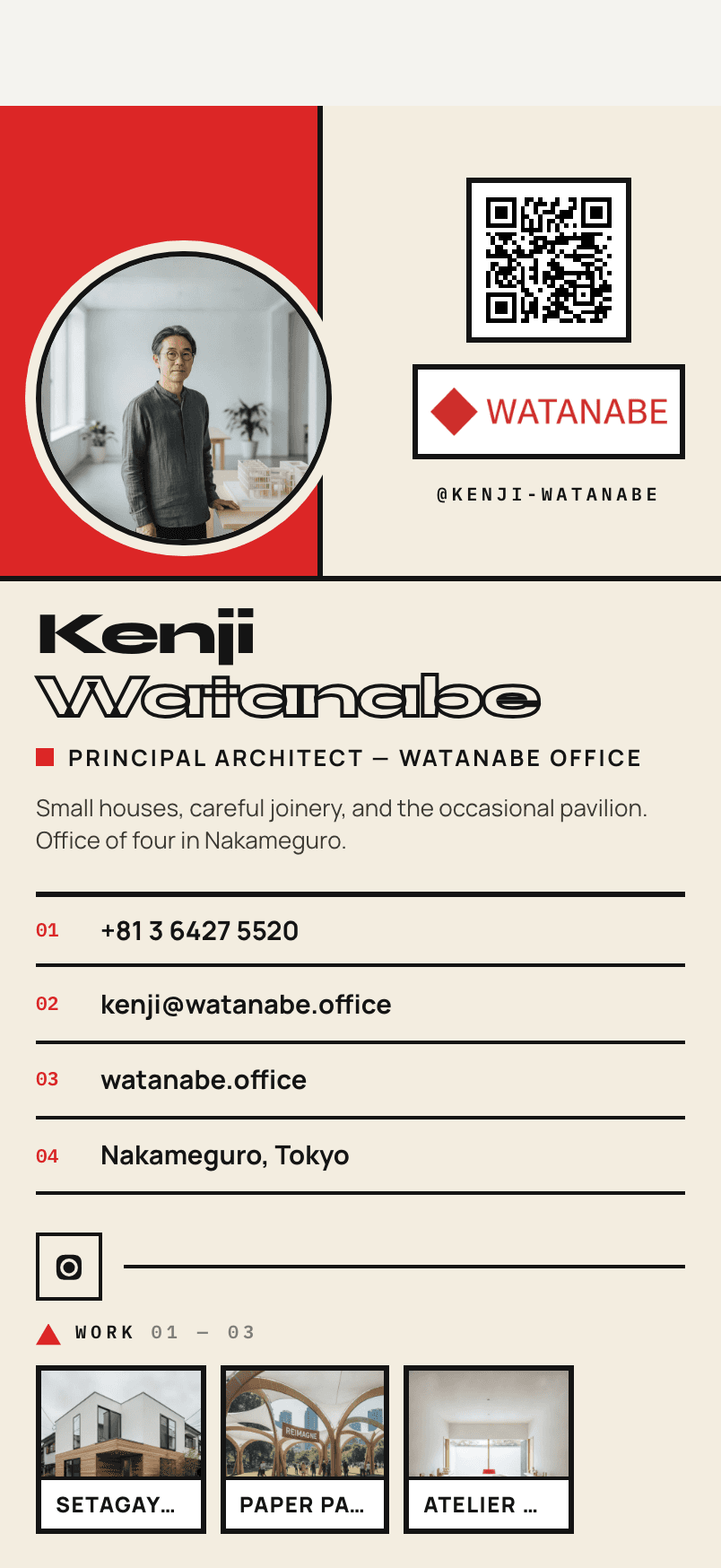
Explainer
What is a digital business card? How it works, from QR code to contact
A digital business card is your contact details at one web address, shared by QR code. How it works, what the other person sees, and what it costs.
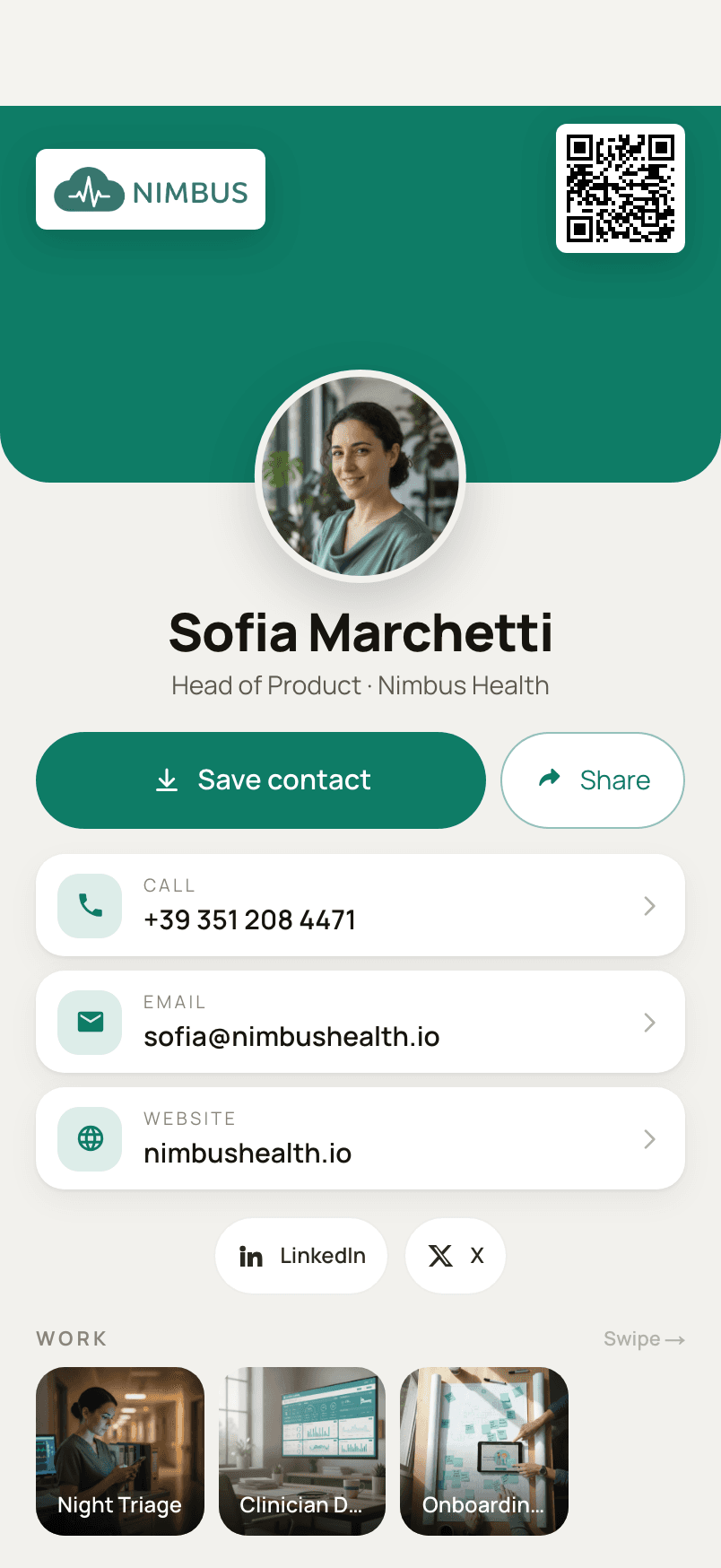
On this page
What is a digital business card?
#A digital business card is your contact details (name, title, phone numbers, email, photo and links) kept at one web address and handed over as a QR code or a link instead of on paper. The person you meet opens it on their phone and saves you to their contacts.
That is the whole idea, and everything else is detail. Instead of a rectangle of card stock that someone has to keep and later type into their phone, you hand over an address. What they get is a page that looks like you (your photograph, what you do, how to reach you, what you have made) and a button that saves you into their phone in one go.
The phrase covers a wide range of products, from a QR code that holds a few lines of text to a full page with a portfolio behind it. This guide explains the mechanism they share, what the person you meet actually experiences, and where the differences lie. If you are weighing a switch from paper, the honest comparison of digital and paper cards picks up where this one stops.
What else is a digital business card called?
#The same thing is also called a virtual business card, an electronic business card, an e-business card or a QR code business card. “Digital visiting card” and “digital name card” are common in parts of Asia.
None of these names means a different technology; they are regional and generational habits, and Wikipedia’s entry lists the same set. This guide says “digital business card” throughout.
How does a digital business card work?
#Your details live on a web page with a fixed address, and a QR code is simply a picture of that address. The other person points their camera at it, the page opens in their browser, and one button saves you as a contact.
Three things are involved, and it helps to keep them apart: a page (your card), an address (the link to it) and a QR code (the address drawn as a square of dots a camera can read). The QR code carries nothing but the link. That is why it can stay the same while the card behind it changes.
- link
01 · The QR code
A picture of a link
Nothing else is in it: just ravencard.app/u/sofia-marchetti.

Sofia Marchetti
Head of Product
Save contact02 · The link
Opens the card page
A web page with your photo, details, links and work, in any browser.
- .vcfSofia Marchetti.vcf
03 · The button
Hands over a contact file
A vCard (.vcf) the phone adds to its contacts, with your photo inside it.
Here is the whole exchange, from the moment you meet someone:
You show your QR code
On your phone’s screen, or printed on a paper card. Nothing is sent yet; it is a picture of a link.They point their camera at it
The iPhone Camera reads QR codes without any extra app, and Apple’s own guide describes it: hold the phone so the code is in view, then tap the link that appears.
Your card opens in their browser
Safari, Chrome, whichever browser is already there. They see your photo, what you do, your contact details, your links and your work.They tap “Save contact”
Their phone receives a contact file and offers to add you. They confirm, and you are in their address book.
- ravencard.app
01 · Scan
They point their camera at your code
The camera app already on their phone reads it. There is nothing to install.

Élise Tremblay
Creative Director · Atelier Nord
Save contact02 · Tap once
Your card opens, and they save it
It opens in their browser. One tap on Save contact hands the phone a vCard.
Élise Tremblay
Creative Director · Atelier Nord
mobile+1 514 887 0142
03 · Saved
You are in their contacts, with your face
Name, title, company, numbers and photograph are written into the address book.
The quickest way to understand it is to try it. Open one of the five example cards on the home page on your phone, tap its Save button, and look at what lands in your contacts. When you want your own, you can build one in the browser, with no account needed to try it.
What the other person experiences
#Most explanations of digital business cards are written from the owner’s side. The side that matters more is the one belonging to the person you just met, who did not ask for a new app and will give your card a few seconds of attention. The home page walks through that handover step by step; these are the questions it raises.
Does the other person need an app?
#No. Any modern phone camera reads QR codes, and the card opens in the browser that is already on the phone. Only you need the app, to make and update the card.
This is the single most important property of a digital business card. The card is an ordinary web page, so it works on iPhone and Android alike, and on phones that have never heard of the company that made it. The person you meet does not create an account, grant a permission or download anything.
What happens when they tap “Save contact”?
#Their phone downloads a small contact file in the vCard format (.vcf) and offers to add it to their contacts. With Ravencard, that file carries your photo too, so you appear with your face, not just a number.
The vCard format is an open standard, defined in RFC 2426 (version 3.0) and RFC 6350 (version 4.0), which is why every contacts app understands it. The file holds your name, organisation, title, numbers, email, website and, if the service puts it there, a photograph.
Whether that photograph survives the trip depends on how it is stored in the file, which is less obvious than it sounds. The details, including why a QR code can never hold a photo itself, are in how to make a contact QR code that saves your photo.
Where is a digital business card stored?
#A digital business card is stored in two places. The live card sits on the provider’s server at your address; once someone saves you, a copy of your contact lives in their phone’s Contacts app, not in a separate app.
It is worth being precise here, because the difference explains most of the confusion about updates. The page at your address is the live card: it belongs to your account and changes when you edit it. The contact in their phone is a copy, made at the moment they tapped Save. It is a normal entry in their Contacts app, sitting next to everyone else they know.
On the web · updates
Sofia Marchetti
Head of Product · Nimbus Health
Save contactYour live card, at one fixed address. Edit it and everyone who opens the link sees the change. The QR code stays the same.
In their phone · a snapshot
Sofia Marchetti
Head of Product · Nimbus Health
mobile+39 351 208 4471
A contact in their Contacts app, saved on the day they tapped. It keeps what your card said then, until they save it again.
If I change my details, does my digital business card update?
#The card at your address updates immediately for anyone who opens it again, and the QR code stays the same. A contact someone has already saved is a snapshot, though, and it won’t change by itself.
In practice that gives you the best of both. Anyone who scans your code next month sees your new title. Anyone who saved you last year still has your old number in their phone, and the contact includes a link back to your live card, so the current version is one tap away. When something important changes, such as a new number, send your card to the people who matter again.
Digital business card vs vCard, QR code, link-in-bio and NFC
#Five things get called a digital business card, and they overlap. This table separates them by what each one is and what it can do on the other person’s phone.
| Aspect | What it is | Needs an app? | Saves to contacts? | Updates after sharing? |
|---|---|---|---|---|
| Digital business card | A web page at your address | No | Yes, one tap | Yes, at the same address |
| vCard (.vcf) | A contact file | No | Yes, it is the contact | No |
| QR code | A picture of a link or of text | No | Only if it holds a vCard | Only if it holds a link |
| Link-in-bio page | A list of your links | No | Usually not | Yes |
| NFC tag or card | A chip that opens a link when tapped | A phone that reads NFC | Through the page it opens | Through the page it opens |
What’s the difference between a digital business card and a vCard?
#A vCard is the file format phones use to exchange a single contact. A digital business card is the page people see (design, photo, links, your work) with a vCard behind the “Save contact” button.
Put another way, the vCard is the part that ends up in the address book, and the digital card is everything around it: the design, the projects, the links that don’t fit in a contact. A good digital card hands over a complete vCard, so that the saved contact is useful on its own.
What’s the difference between a digital business card and a QR code?
#A QR code is only the way the card is delivered: a printable picture of a link. The digital business card is what that link opens.
Some QR codes skip the page and hold a whole vCard as text. They work offline, but they are fixed the moment they are printed and can’t carry a photo. The static versus dynamic QR code comparison goes through the trade-off with two real codes side by side.
How do you share a digital business card?
#In person, you show the QR code on your phone or on a printed card. Remotely, you send the link by message or email. Some products also sell NFC chips that open the link with a tap; Ravencard uses QR codes and links, which every phone camera can read with nothing to buy.
The link is the card, so anything that carries a link carries the card: a text message, an email, a LinkedIn message, your email signature, the bottom of a slide. NFC is a convenience layered on top of the same link, and it needs a chip and a phone that reads it. A QR code needs neither, and it also works printed on paper.
Is Linktree a digital business card?
#Not quite. A link-in-bio page lists your links, but a digital business card’s main job is to put you into someone’s contacts with one tap, with your name, numbers and photo.
The two overlap, and a link-in-bio page can serve as a lightweight card. The difference shows up afterwards: a link-in-bio page leaves the other person with a browser tab, while a digital business card leaves them with you in their contacts, under your name, with your face.
Is a digital business card free?
#Many providers have a free plan. Ravencard is free forever for one card; Pro is $4.99 a month or $39.99 a year for every design, unlimited links, more projects and statistics.
Ravencard’s free plan is not a trial. It includes one card with your photo, title and contacts, one design to build it on, 3 social links, 1 project with up to 3 images, and save-to-contacts with your photo embedded. The pricing section lists what Pro adds. You can build yours at /build; there is no account needed to try it.
Is a digital business card safe?
#A digital business card is public by design: anyone with the link can see what you put on it. So publish what you would print on paper, and keep your home address and personal numbers off it.
A few habits keep a public card from sharing more than you meant to:
- Use the number and email you would print on a paper card, not a private line.
- Leave your home address off. A city is usually enough.
- Link the social profiles you use for work, and nothing you would not show a stranger.
- Remember the saved copies: removing something from your card doesn’t remove it from contacts already saved.
On Ravencard, a card is public only at the address you share, and the site asks search engines not to index card pages.
What to read next
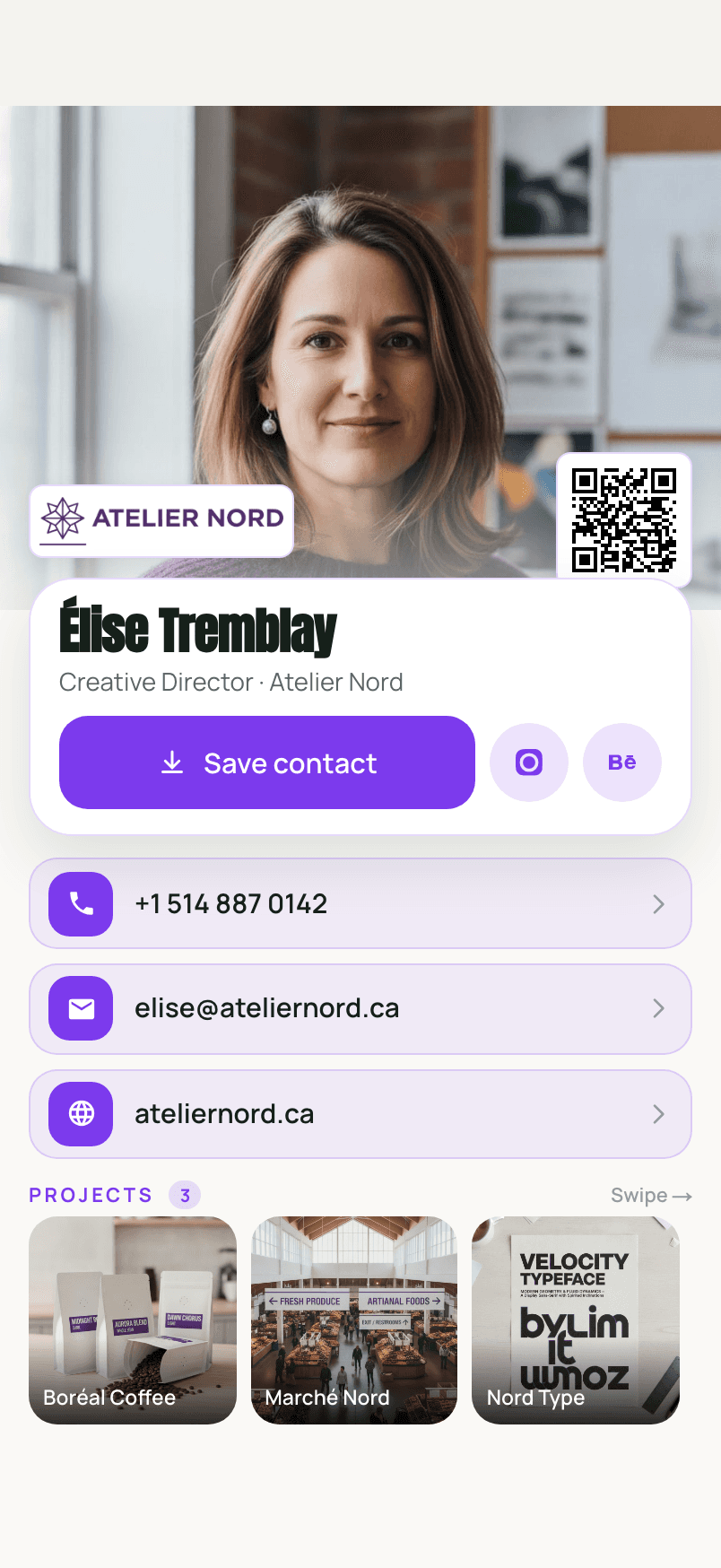
#
- Digital vs paper business cards: is it worth switching, and when to carry both.
- What to put on a digital business card: a checklist, with five example cards.
- A QR code that saves your contact, with your photo: the technical detail behind the Save button.
- And for the paper cards you are handed: how to scan them into your iPhone contacts.
Questions, answered briefly
#- Can someone save my digital business card without an internet connection?
- Opening the card needs a connection, because the QR code points to a web page. Once they have saved you, the contact lives in their phone and works offline, photo included.
- Do I need an iPhone to make a Ravencard?
- You can build a card in the browser at ravencard.app/build before you have an account. The Ravencard app is for iPhone. The people you hand it to can use any phone with a camera.